
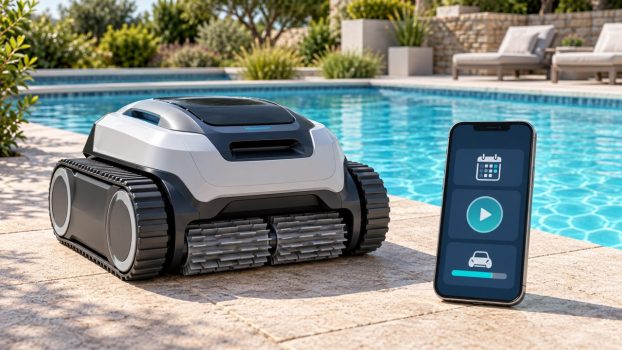
A Wi-Fi robotic pool cleaner can make starting a cycle, checking progress or changing a schedule more convenient. The useful question is which of those jobs the exact model can perform. An app badge alone does not tell you whether the robot supports remote steering, a full-filter alert or commands while submerged.
Pay extra for app control when a documented feature solves a recurring chore. Investigate Dolphin Nautilus CC Plus Wi-Fi for connected scheduling, Polaris VRX iQ+ for more extensive controls and status information, and Beatbot AquaSense 2 for cordless cleaning with app features whose operating limits need checking. Prioritize pool compatibility and filtration before connectivity.
Research checked October 7, 2026. This guide compares manufacturer documentation and current site listings; it is not a hands-on performance test. Features, firmware, packages and availability can change.
Affiliate disclosure: We may earn a commission from qualifying purchases made through links on this site.
Compare three app-connected options
These products are in our cleaner catalog. They illustrate different reasons to consider connectivity, rather than a ranking of cleaning performance. Listing presence does not establish current Amazon stock.
| Candidate | Documented reason to investigate | Main buying checkpoint |
|---|---|---|
| Dolphin Nautilus CC Plus Wi-Fi | MyDolphin Plus connectivity and a weekly timer | Exact model, supplied power unit and enabled app functions |
| Polaris VRX iQ+ | Recurring schedules, targeted spot control and canister status | Corded setup and whether you will use the additional controls |
| Beatbot AquaSense 2 | Mode selection, cleaning records and surface app parking | Surface-command limits, charging routine and installed firmware |
Separate the smart features
Compare navigation, connectivity and cleaning coverage separately. Navigation concerns where the robot goes. Connectivity concerns how you communicate with it. Coverage concerns whether it cleans the floor, walls, waterline or another supported zone. A useful app cannot add a cleaning zone the machine is not designed to reach.
Write down the specific action you want: start a prepared cleaner while away, choose a shorter mode, steer toward a patch of debris, receive a completion notice or check filter status. Then find that action in the exact model’s documentation. A brand’s app demonstration may show functions available only on selected cleaners. Maytronics explicitly notes that MyDolphin Plus features vary by model.
What the model documentation says
Dolphin Nautilus CC Plus Wi-Fi: a scheduling candidate
The catalog identifies model 99996406-PCI. Maytronics’ matching model page lists MyDolphin Plus and a weekly timer, along with floor-and-wall coverage. It lists no full-filter indicator and no waterline scrubbing. Those are important limits if the feature you want is an alert to empty the filter or less brushing at the tile line.
Shortlist it when scheduling is the main app benefit. Do not assume that every control shown on the general MyDolphin Plus page is enabled. Before ordering, match the seller’s product number and power supply to the model-specific documentation. Similar Nautilus names and revised listings can describe different equipment.
Polaris VRX iQ+: more control and status information
Polaris documents recurring scheduling, targeted spot cleaning, water-temperature information and a dirty-canister indicator for VRX iQ+, part FVRXIQP. Its listed modes include Waterline Only as well as broader cleaning options. This gives you more concrete functions to evaluate than a generic claim of smart operation.
The manufacturer brochure identifies in-app targeted remote control and Easy Lift operation from the app or control box. It is a corded cleaner, so the cable and controller remain part of ownership. These features deserve consideration if you regularly want to change the cleaning job or check its status. They do not establish better debris pickup than another model.
Beatbot AquaSense 2: read the surface-control limit
Beatbot’s AquaSense 2 overview describes cleaning modes, job records and software updates through its app. It also describes one-click parking when the robot is already at the surface. Automatic parking after a cycle or at low battery is a separate behavior.
The product FAQ says AquaSense 2 cannot be commanded to return through the app during the cleaning process. Do not read “app parking” as guaranteed recall from any underwater position. Ask which commands work at the surface, on the deck and during cleaning, and confirm the firmware for the offered version. App features can be useful without providing continuous underwater control.
Check connectivity before buying
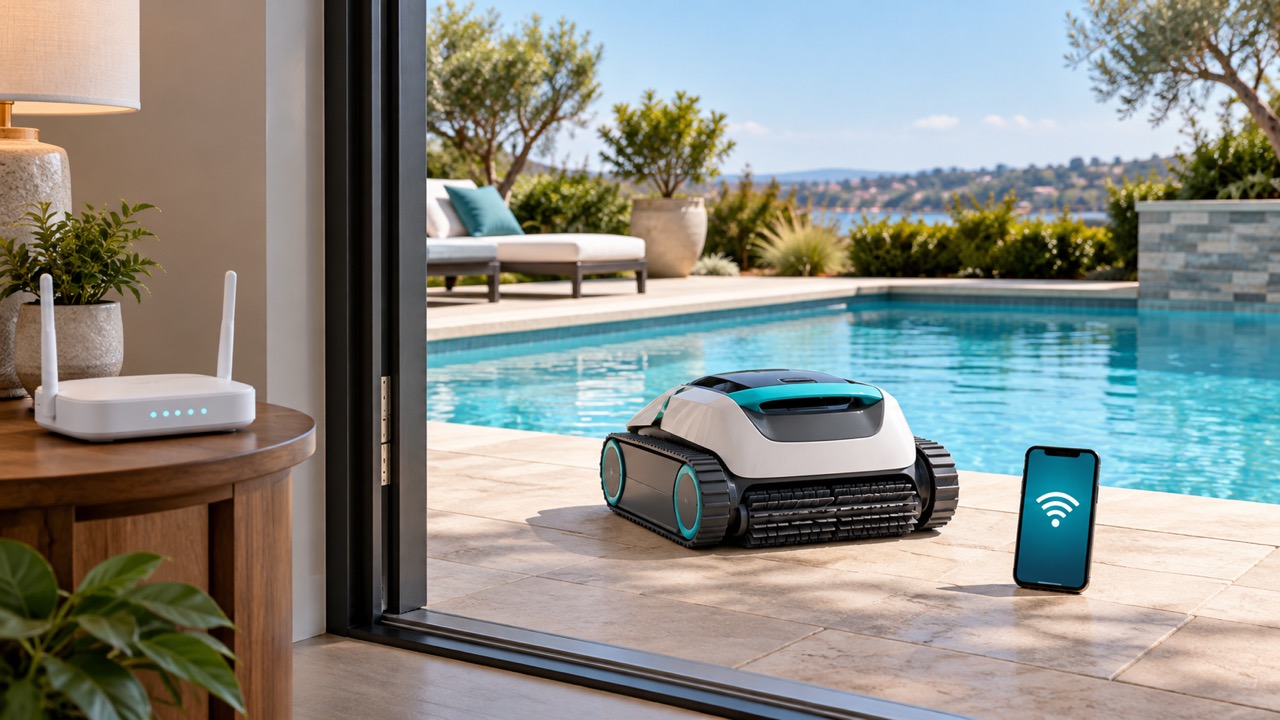
Identify which component connects to your network. For the corded Dolphin discussed here, the linked setup guide connects the power supply to the router over 2.4 GHz Wi-Fi and uses Bluetooth during pairing. Your phone having service beside the pool does not prove that the controller’s intended position has suitable Wi-Fi.
Check the supported network band, app availability for your phone and signal at the permitted equipment location. Keep the manufacturer’s electrical-placement rules in the decision. Moving a power unit closer to water to improve reception is not a sensible workaround. If coverage needs improving, include that work in your budget.
Also ask what works without the app: starting a basic cycle, choosing modes and retrieving the cleaner. Have the seller demonstrate those controls if possible. A household where several people handle pool care benefits from a routine that remains understandable when the usual phone is unavailable.
Understand scheduling and upkeep
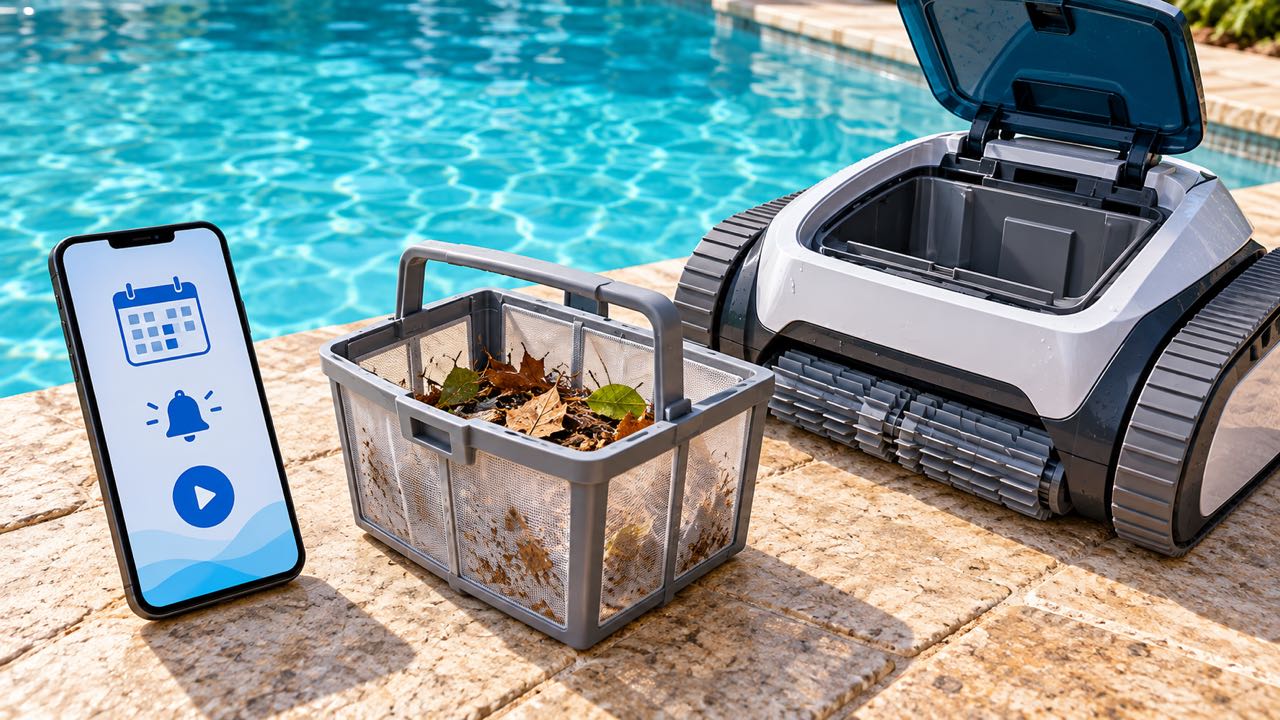
A timer determines when a prepared machine starts. It does not empty the filter, remove trapped debris or place a stored cleaner in the pool. For a cordless model, verify whether “schedule” means a delayed start, repeated cycles from one charge or something else. Never transfer a scheduling claim from one model to another.
Maytronics recommends removal and filter cleaning after each cycle, while allowing a week in the water for applicable weekly-timer or Eco Mode models, with filter cleaning at the end and balanced water chemistry. It also says to remove the robot before swimming. Follow your own model’s instructions rather than treating Wi-Fi as permission for permanent immersion.
Before buying for a vacation home, write down who will inspect the pool, empty the basket and handle the cleaner. Remote scheduling is only useful when the equipment is ready and someone can respond if a cycle does not go as expected.
Decide whether the premium helps
Compare two cleaners that already meet your coverage, debris and pool-compatibility needs. Count the extra functions you would actually use, then compare complete packages and seller terms. Avoid assigning the entire price difference to Wi-Fi when one model also includes different filters, a caddy or additional cleaning zones.
| Your situation | Feature worth checking | Priority before paying more |
|---|---|---|
| You start each cycle while already beside the pool | Simple onboard or controller buttons may be sufficient | Coverage, filtration and comfortable handling |
| Your cleaning times change frequently | Remote schedule editing and supported start controls | Connection reliability and the required prepared state |
| You want to target a missed area | Explicitly documented steering or spot control | Whether that command works during the cleaning cycle |
| You want fewer unnecessary basket checks | A model-specific canister or filter-status indicator | Easy filter access and adequate debris capacity |
This checklist is for your current reading session; selections are not saved or transmitted.
Common questions
Does Wi-Fi make a robotic pool cleaner clean better?
Connectivity can make useful modes or controls easier to access. It does not, by itself, prove stronger pickup, finer filtration or better coverage. Compare those capabilities separately.
Can I steer every app-connected pool robot?
No universal steering feature follows from app connectivity. Polaris specifically documents targeted spot control for VRX iQ+. For another model, look for explicit confirmation of manual control and its operating conditions.
Can I use a connected cleaner without Wi-Fi?
Check its manual. The answer can differ between basic button operation, app setup, saved schedules and remote functions. Ask for a demonstration of the offline routine before purchase.
Should I choose cordless just to get an app?
No. Both corded and cordless candidates offer app features. Choose the power arrangement that fits your pool and maintenance routine, then compare the controls available on suitable models.
Related guides and shopping paths
Sources and how to use this guide
Product recommendations reflect documented features and ownership tradeoffs, not measured cleaning scores. Manufacturer links beside the claims provide the supporting details. Match the current offer to its manual and ask the manufacturer about unclear app or firmware behavior before relying on it.